
How it works
Step 1 of 4

Snap the slip
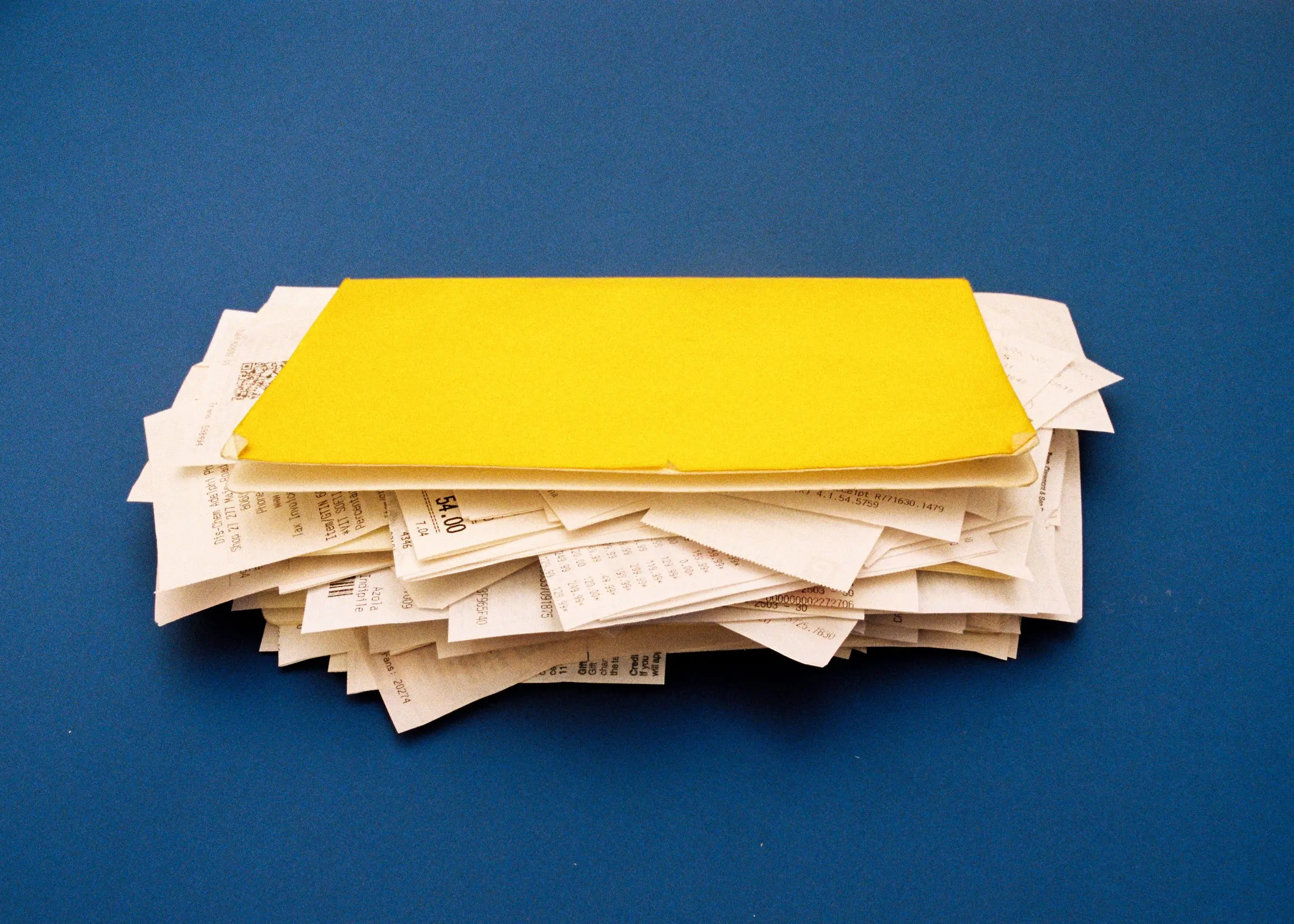
Photograph a receipt on set, pick one from your camera roll, or upload a PDF. Long till slip? Shoot it in sections and it becomes one receipt.
Step 2 of 4

We read it
Slipped Up pulls out the store, date, total and VAT for you. Check it, pick a category, done.
Step 3 of 4

Track the budget
Every slip lands in a project with its own budget, currency and VAT rate. See what's spent and what's left at a glance.
Step 4 of 4

Send the recon
When the job wraps, export a branded PDF recon, an Excel summary and a ZIP of every receipt image.


Bring the crew

Made for how a shoot actually runs
Invite your crew, split the budget by department, and let each head of department see their own spend. Everyone's slips land in the same project.
Start a project
Meet the team



Get the app
Start your first project
Free to download on iPhone. Android is on the way.
Download on theApp StoreGoogle PlayComing soon
Already signed up? Log in on the web